
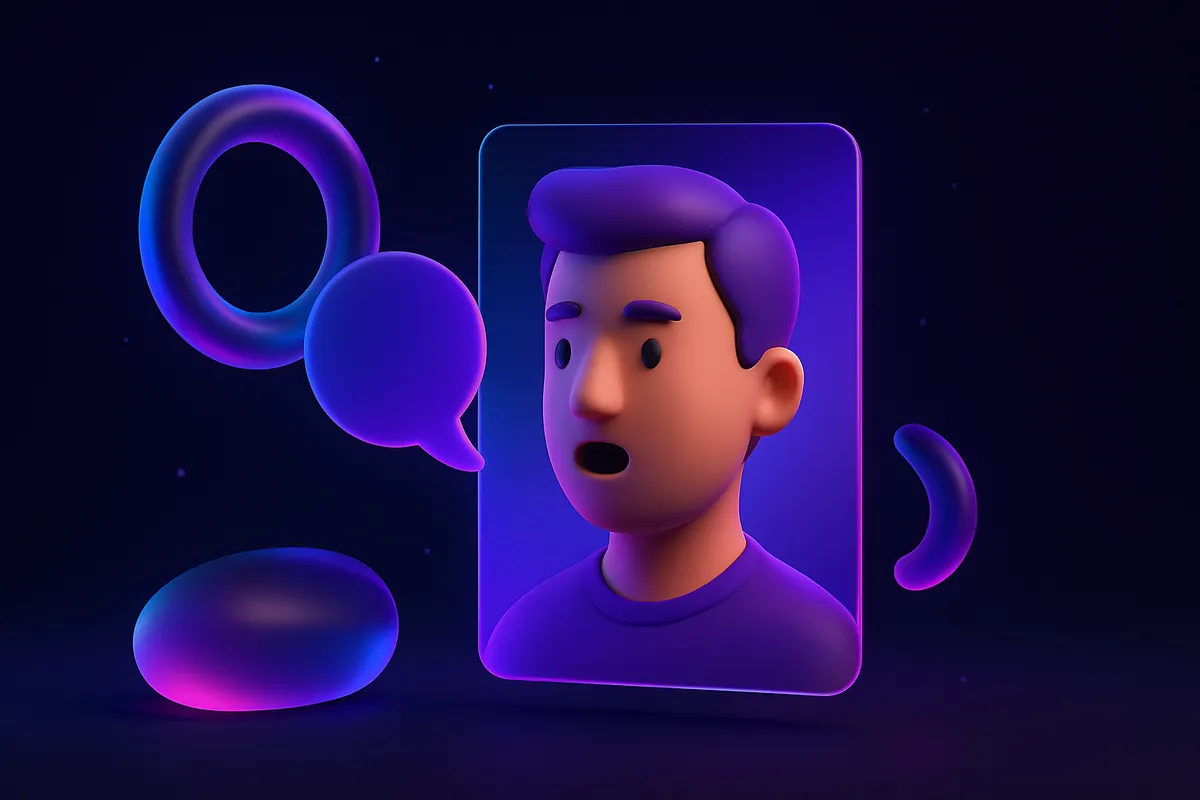
A talking head builds trust fast. It feels like a real person is speaking to your audience, even when you do not want to film yourself. With Krex AI you can turn a single photo into a lip-synced presenter, give it a voice, and have it read your script. Here is the full workflow.
One photo is enough
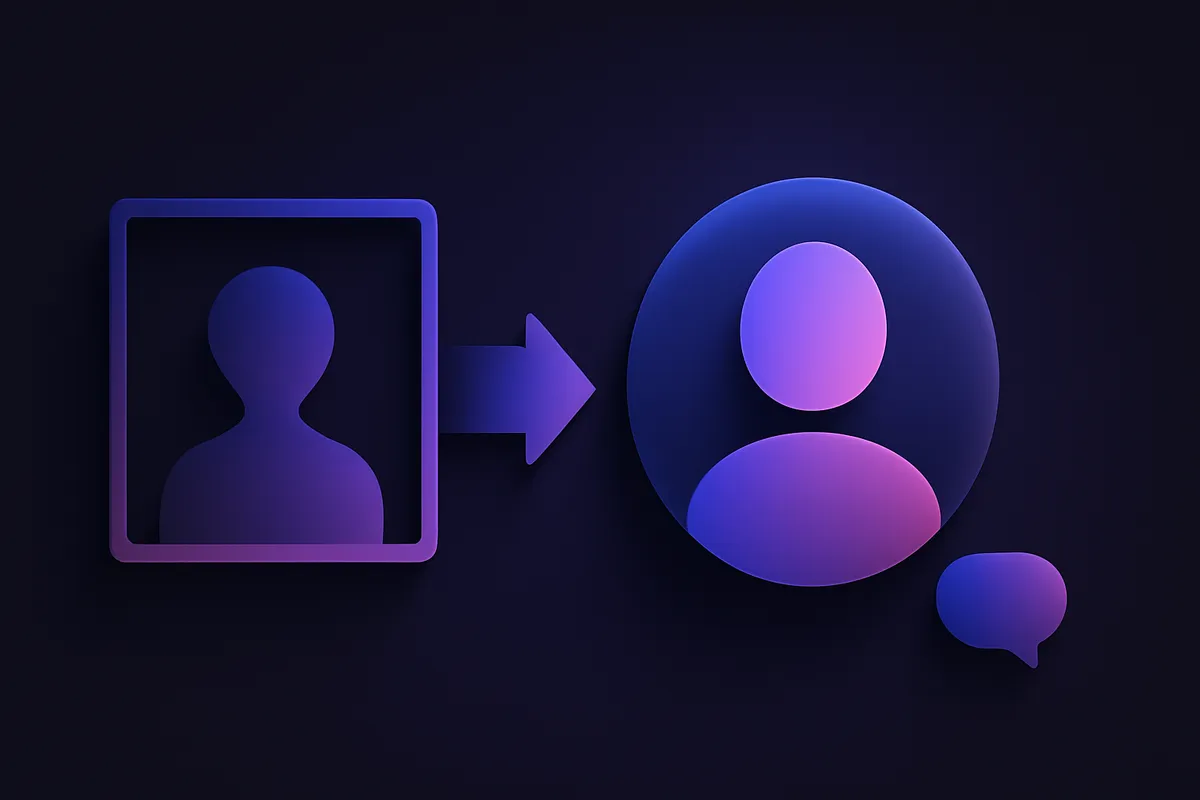
You do not need a studio or a multi-angle shoot. A Personal Clone is created from one clear portrait: Krex AI maps your face and animates it to match the words in your script, so the mouth, expression, and timing line up. Prefer not to use your own face? You can generate an avatar instead and pick the look that fits your brand.
Step by step
- Open the avatar step and either upload one portrait or generate a new presenter.
- For best results, use a front-facing photo with even lighting, a neutral background, and the full face visible.
- Choose a voice: pick from the preset library, or use voice cloning so the presenter sounds like you.
- Paste or write your script. Keep it conversational and short, the way people actually talk on camera.
- Pick your aspect ratio (9:16 for TikTok, Reels, and Shorts, or 16:9 for YouTube) and add auto-captions.
- Render. The lip-sync and voice are generated together, and one finished video costs 1 credit.
Make it look natural
The script does most of the work. Write the way you speak, use short sentences, and lead with a strong first line so the hook lands in the first three seconds. Add karaoke-style captions so the words highlight as the presenter speaks, which keeps muted viewers watching. If your ad needs more than a headshot, drop in B-roll cut-ins of the product between lines, or place the avatar inside a multi-scene sequence.
Voice choices that fit
- Use voice cloning when you want a consistent personal brand across every video.
- Use a preset voice when you want a polished, neutral read fast.
- Match the energy to the platform: upbeat and quick for short-form, steadier for longer YouTube content.
Scale it without re-filming
Once your avatar and voice are set, you can reuse them across an entire campaign. Swap only the script to produce a new ad, or generate the same message in another language with multi-language dubbing to reach new audiences without recording again. That makes a single photo the start of a whole content library, not a one-off.
Where it shines
Talking heads are ideal for explainer ads, founder messages, product walkthroughs, and UGC-style endorsements. If you want that creator-made feel specifically, see How to Make a UGC Ad in 3 Minutes.
Ready to put a face on your next ad? Upload a portrait, pick a voice, and render your first talking-head video. Explore what is included on features.